How I designed a logo using Golden Ratio
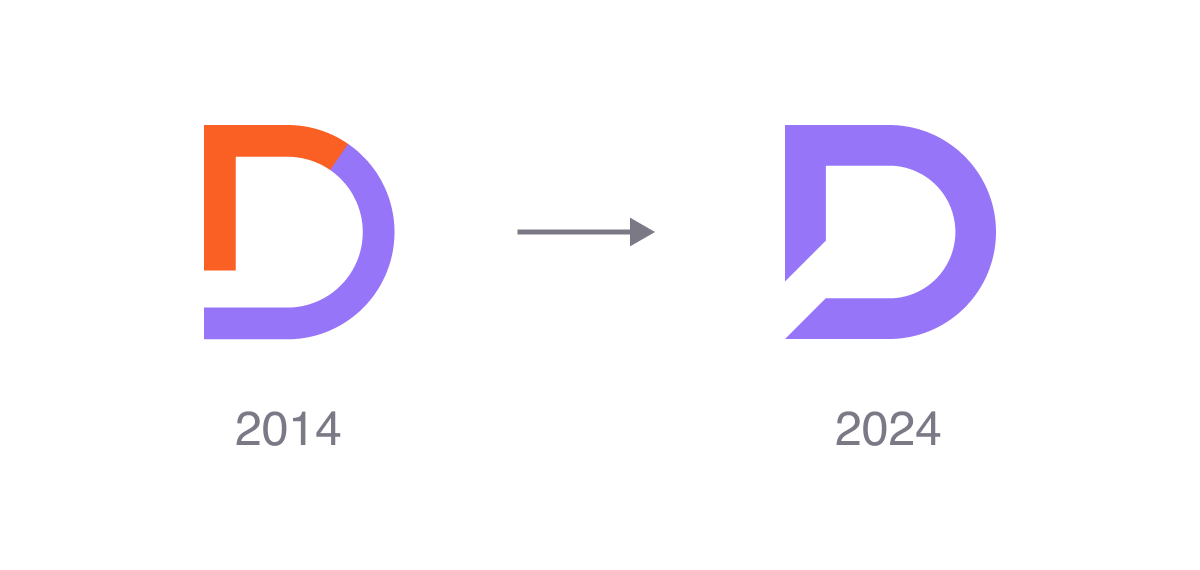
In 2024, I decided that my logo is due for an update. It was over 10 years old.
Planning the redesign
Before the logo redesign, I wasn't sure what direction I should take for the redesign.
I have heard of the golden ratio being used in famous logos, like Apple, Pepsi, National Geographic and Twitter. Since there are claims of big name brands using the golden ratio for their logo, I started researching into this topic.
After the research, I learned that they all have some credibility issues for using this math with their logo, but I still decided to move forward in this direction for my logo redesign and get it done mathematically correct.
Figma Template
I was looking around for a golden ratio template for my logo redesign, there were many different templates available online for Figma, but I found one that worked for me. I used the Golden Ratio Figma template by Jono, which included both circles and squares.
Designing the logo using Golden Ratio template
I moved squares and circles from the golden ratio template around to arrange the ideal design space to build a logo.
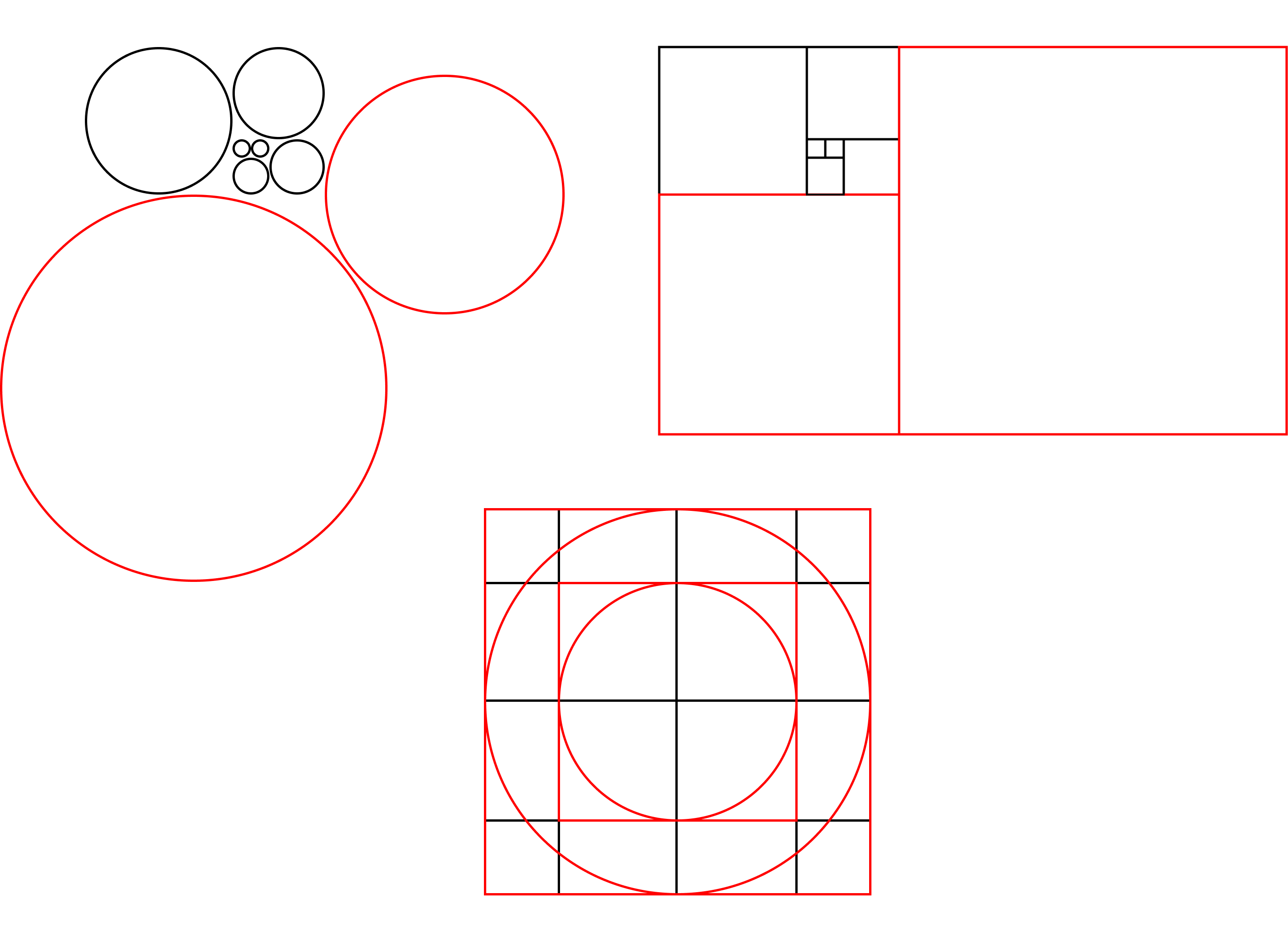
After arranging provided golden ratio shapes from the template, my frame ended up looking like this:
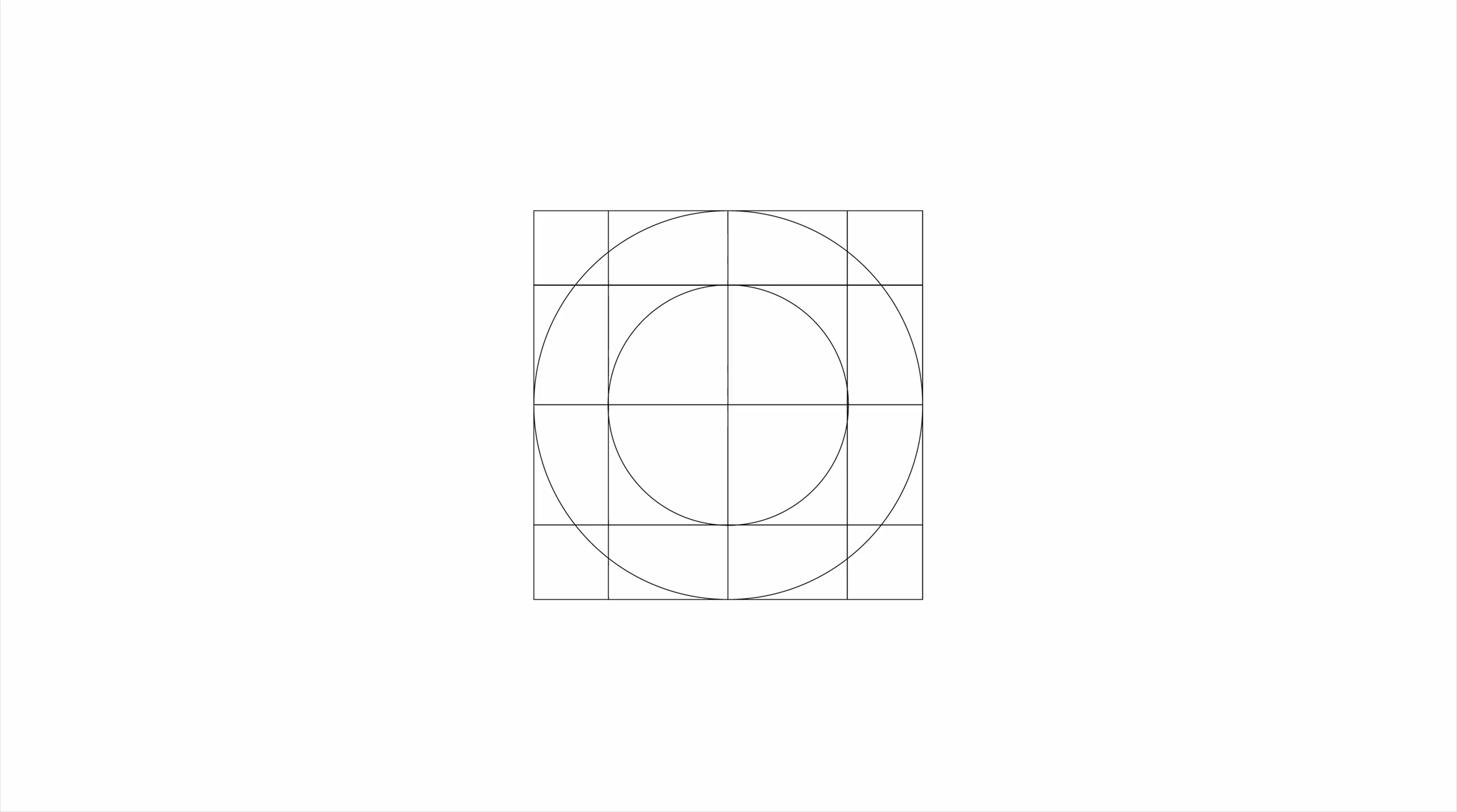
Then I started drawing the logo on the arranged shapes, using rectangle, ellipse and boolean tools:
All of these circles and squares abide by the math under Golden ratio laws, so does the logo.
Understanding Golden Ratio
The golden ratio is approximately 1:1.618 – it's often represented by the Greek letter φ. Wikipedia
In order to establish a basic understanding of what the golden ratio really is, I drew it on paper, and it helped me to understand it better. You can do it yourself by drawing it with your hand on the graph paper or the design software.
Drawing Golden Ratio template on paper
- Draw one square. This is square 1.
- Draw a square as big as square 1. This is square 2.
- Draw a square as big as combined square 1 and square 2. This is square 3.
- Draw a square as big as combined square 1, 2, 3. This is square 4.
- Draw a square as big as combined square 1, 2, 3, 4. This is square 5.
- Draw a square as big as combined square 1, 2, 3, 4, 5. This is square 6.
- You can stop or continue, it's infinite.
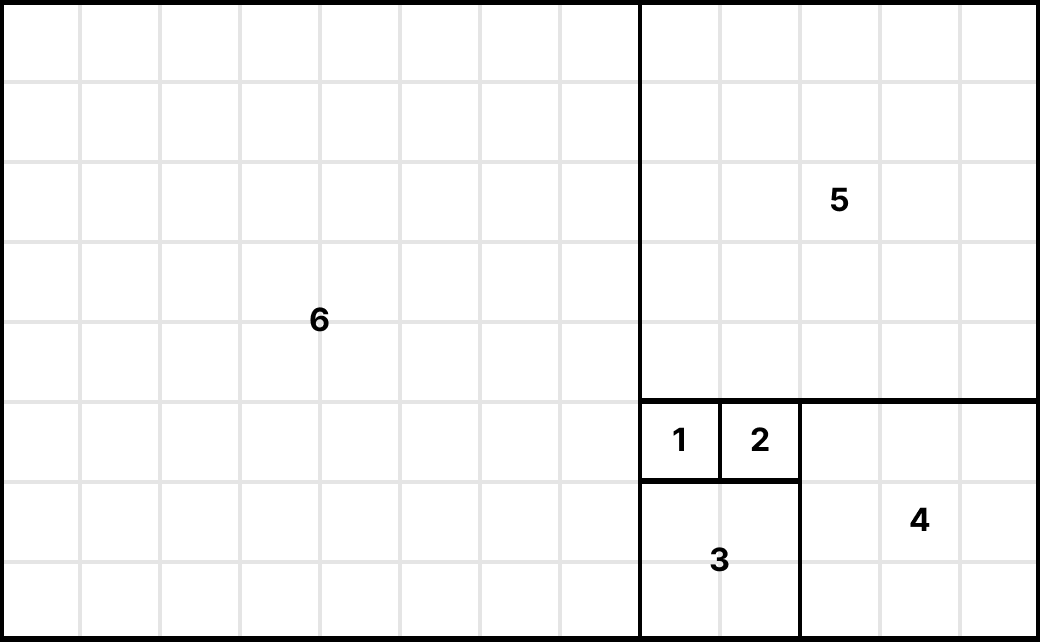
These squares (1, 1, 2, 3, 5...) are a Fibonacci sequence. The ratio between them closes in on φ (1.618) as they grow. The arcs through them trace the golden spiral.
The takeaway
The golden ratio didn't design the logo, I did the work. The template did give me a starting structure and a set of constraints, which is useful when you're starting on a blank canvas. I lined the rectangle, ellipses and circles to the template.
Many times I've encountered optical issues, forcing me to step back, and nudge it a couple pixels because the correct version looked slightly off. It was the same optical judgment I've had for twenty years. I ended up fine-tuning the logo to fit the template and make it look right while following the template rules.
The golden ratio template helped me to get started, but the final design was mine.
So did it make a better logo? I think it made a more intentional one. Working inside a scaffold forced me to justify every proportion instead of eyeballing the whole thing and calling it done. That discipline is the real value, not some mathematical guarantee of beauty.
What actually shifted for me
I used to believe that the great logos are secretly built on a formula. No, it's a way around: the formula is scaffold and constraints, and the brand identity comes from the decisions a designer makes on top of it.
Apple's mark isn't iconic because of φ. It's iconic because of what Rob Janoff chose by eye, and everything Apple built around it since. The math is a tool. The identity is the work.
Would I do it again?
For the right project, yes. It's more than helpful to have a scaffold and constraint in a canvas. It forces you to make decisions and justify them, which is a good discipline. Ultimately, it depends on the type of the logo you're making.